

Steam - Opening Account
Below are the real steps to register as a Steamworks partner, as a company. The whole process starts at partner.steamgames.com and is done with a Steam account.
Before you start: have a Steam account dedicated to the company ready (see Steam), the company's legal details (legal name, CUI / tax ID, not the European VAT number), the address, a payment email and the banking details (IBAN). Use the same account throughout.
Registration steps
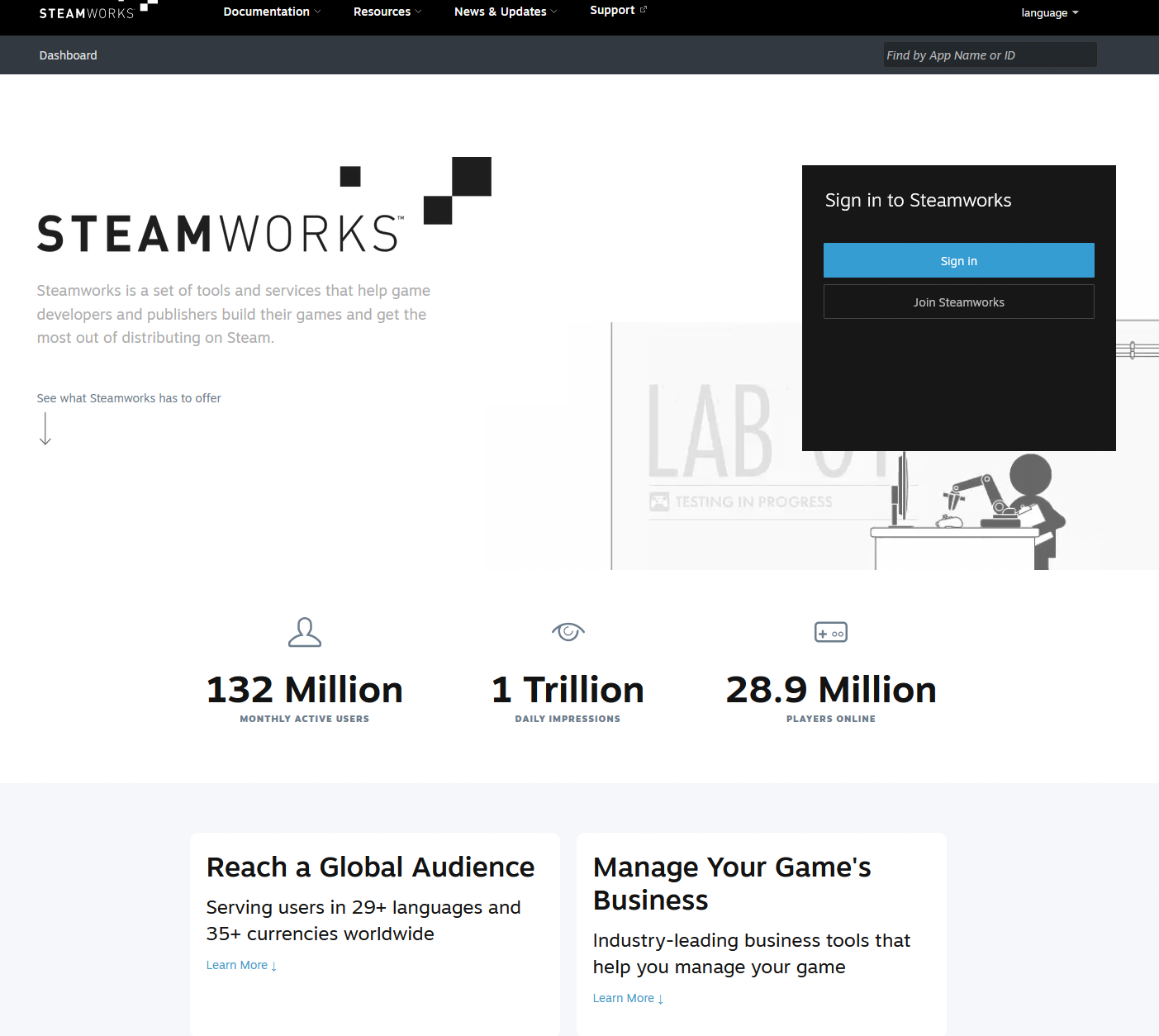
1. Go to Steamworks. Open partner.steamgames.com and click Sign in (or Join Steamworks if you're not a partner yet).
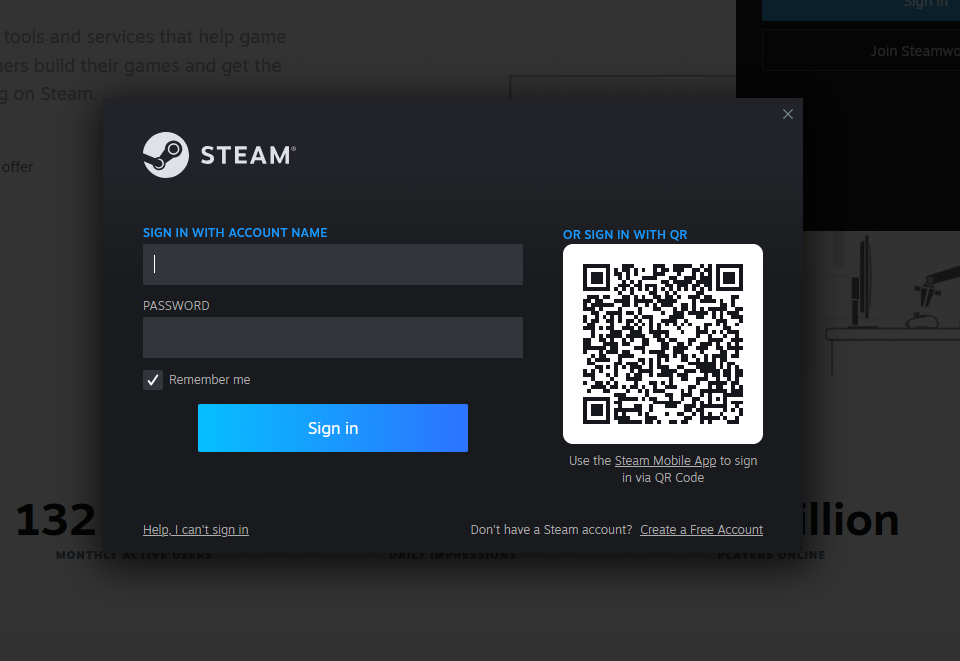
2. Sign in with the Steam account. Use the company's Steam account (name + password, or QR scan from the Steam Mobile App). If you don't have a dedicated one, create it now via Create a Free Account.
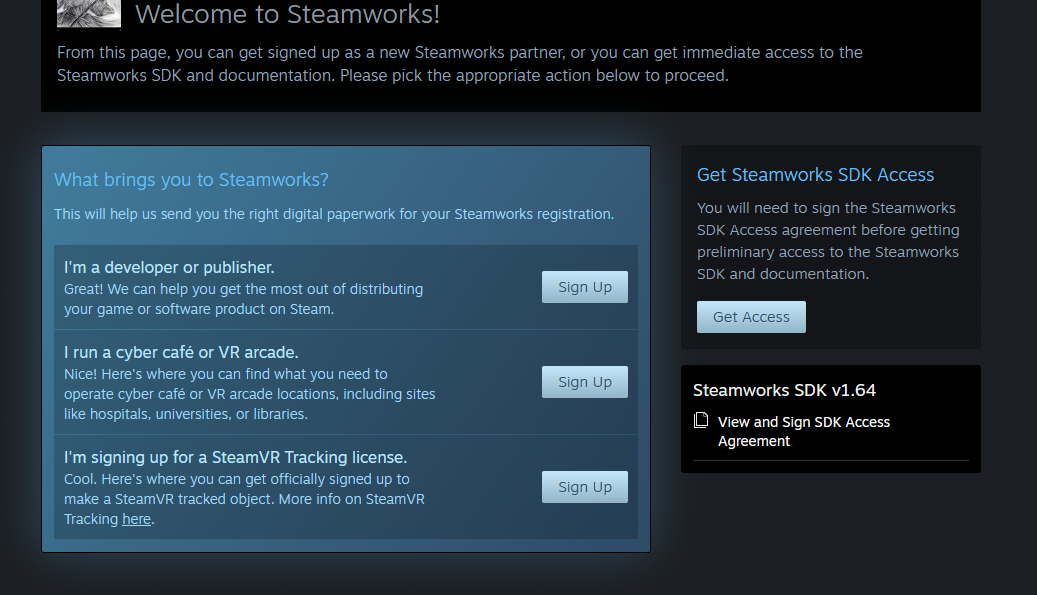
3. Pick the partner type. Under "What brings you to Steamworks?" choose I'm a developer or publisher and click Sign Up. (From here you can also sign the Steamworks SDK Access Agreement.)
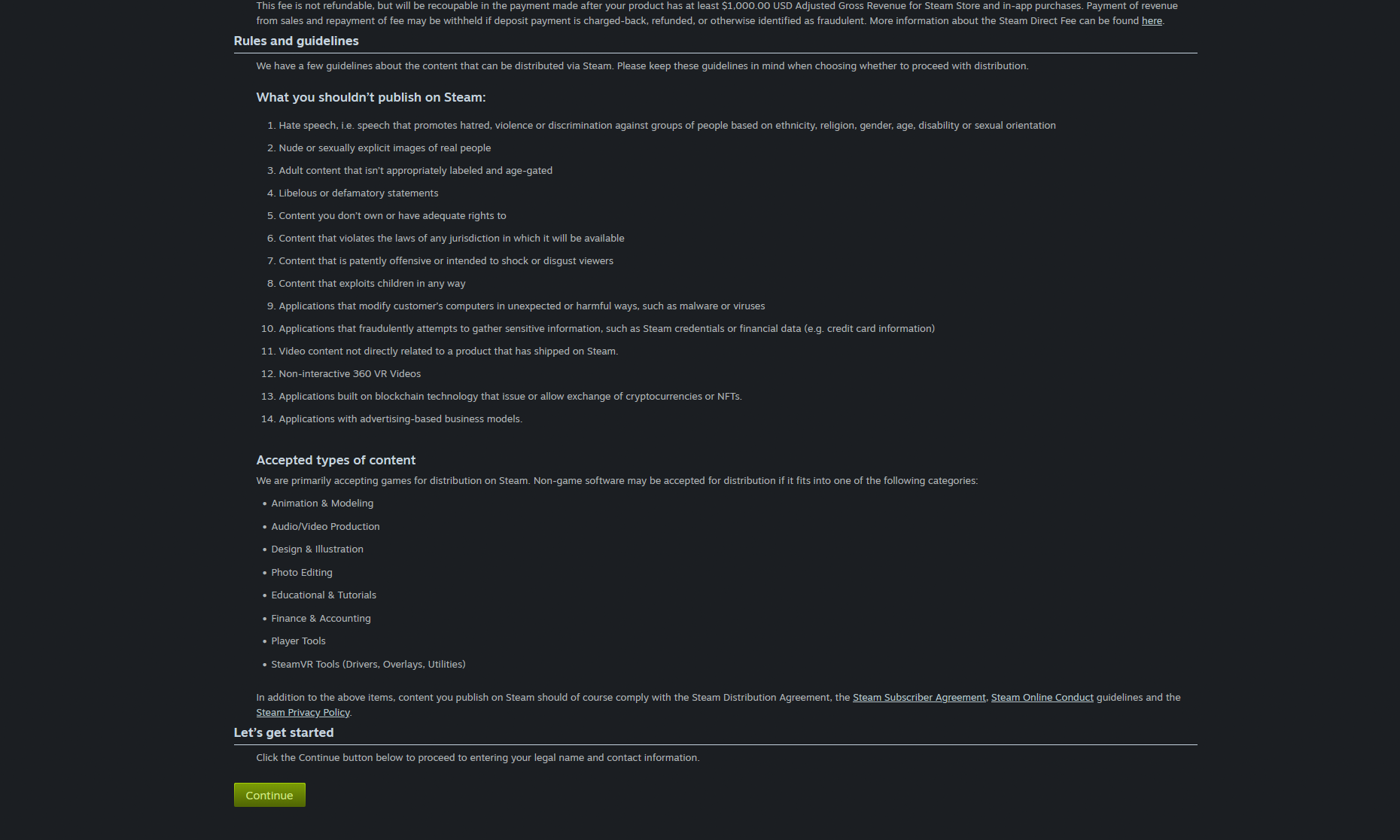
4. Read the rules and the Steam Direct fee. You'll see the Steam Direct fee of 100 USD (recoupable after 1,000 USD revenue), the content rules (what you may not publish) and the accepted content types. Click Continue.
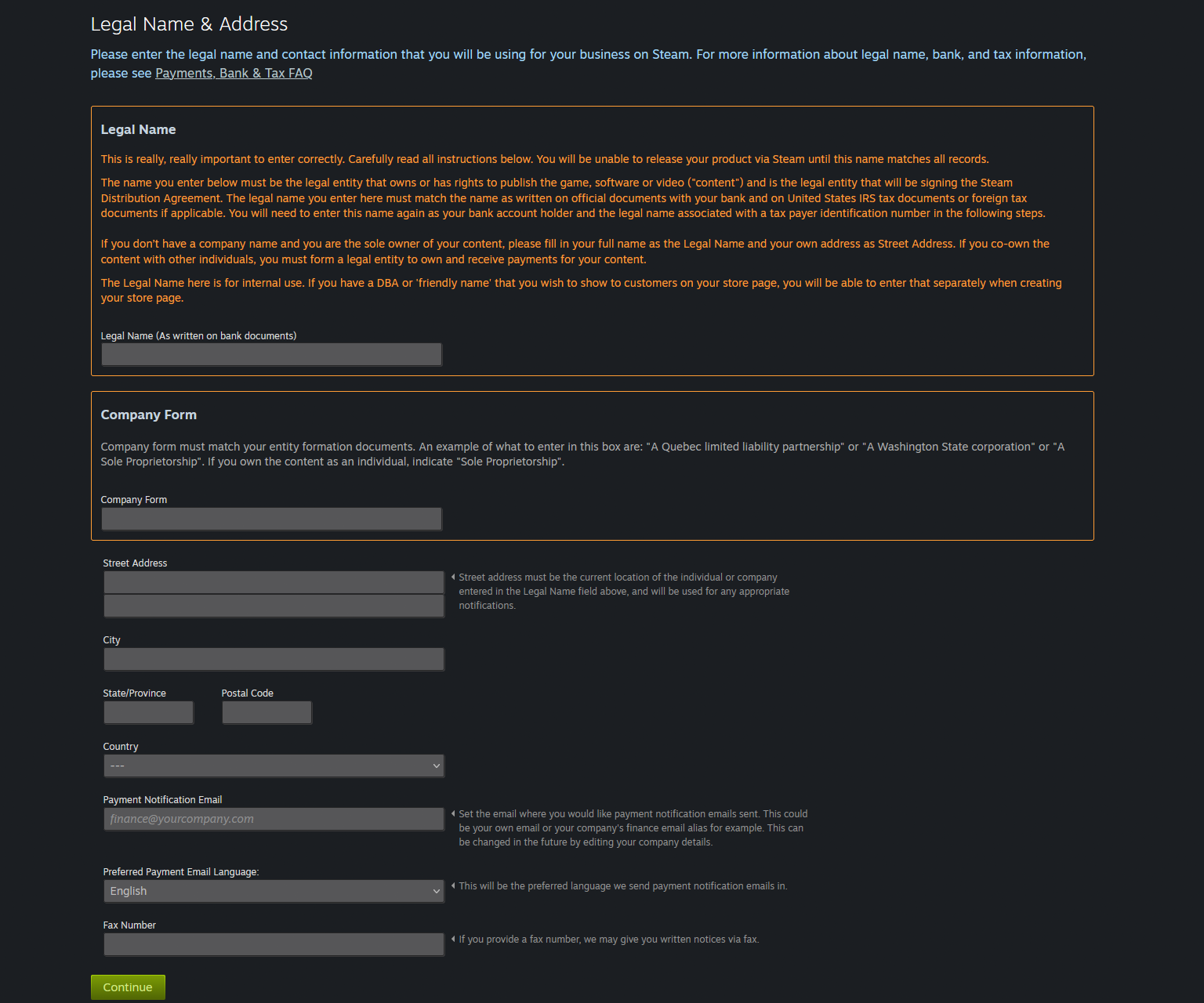
5. Fill in legal name and address. Enter exactly the company legal name (as it appears on bank documents), the company form (e.g. "Sole Proprietorship" for a PFA, or your SRL's form), address, country and the payment notification email.
The legal name must be identical to the one on your bank and tax documents, otherwise you can't release the product. Here you enter the entity that owns the rights and signs the Steam Distribution Agreement.
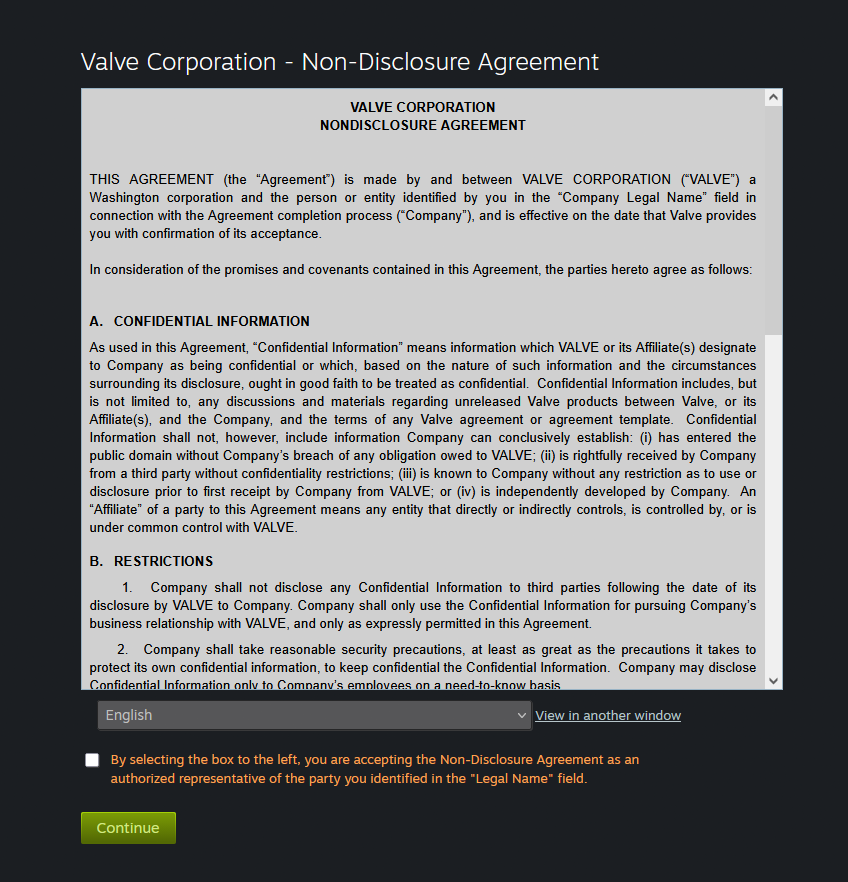
6. Accept Valve's NDA. Read and tick the Valve Corporation – Nondisclosure Agreement, then Continue.
After these steps
- Fill in the tax details, the US W-8BEN-E form (use your CUI / tax ID, not the European VAT number, because Valve is a US entity), and the banking details (IBAN) for payouts.
- Pay the Steam Direct fee of 100 USD for your game.
- Configure the store page and upload the build.
For the explanation of the real commission (~40% for a Romanian company) and the general context, see the Steam page.