

Git repo for the website
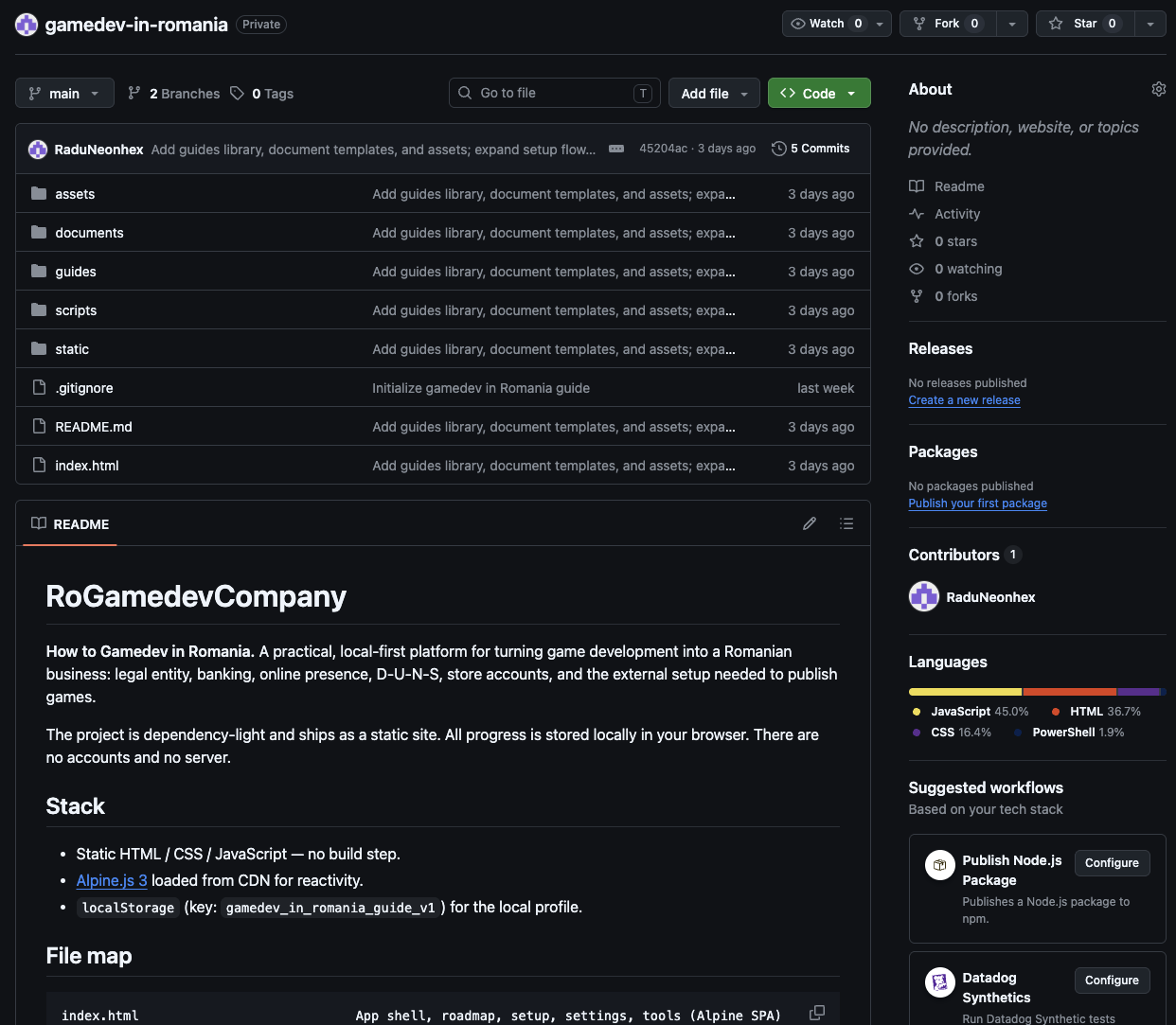
For the Git + Vercel route, your site needs to live in a repository. You can think of the repository as the official folder of your site, where the files and the history of changes are kept.
You do not have to become a programmer to get the basic idea: the site is saved in a repo, and Vercel reads that repo and publishes it online. If you use Cursor or another AI tool to build the site, the repository becomes the bridge between the AI, the code and the live website.
This section is not a Git course. The point is only to show the minimal steps needed for the site to be publishable. The rest you can learn along the way, or an AI tool can do it for you.
The idea, in short
- Create an account with a Git provider (for example GitHub).
- Create a repository for the site.
- Put the site files in the repo.
- Later, connect the repo to Vercel, which publishes it.
What it looks like
Next step
Once you have the repo, move on to Publishing on Vercel, where you connect the repo and publish the site.