

Via Apple Support (recommended)
The simplest option, if your company already appears in the Dun & Bradstreet database, is to use the D&B support flow for Apple Developer. It is free and, most of the time, fast.
In my case, the important part was searching for the company in the right flow. D&B seems to look up company data including in local official sources, so there is a good chance the company is already identifiable without going through a long, separate process.
The steps, in short
- Go to the D&B support page for Apple Developer.
- Create an account or sign in.
- Fill in the contact details with your name and the requested information.
- Select that the request is for the Developer Program.
- Choose the option to create or identify a D-U-N-S.
- Select the company's country.
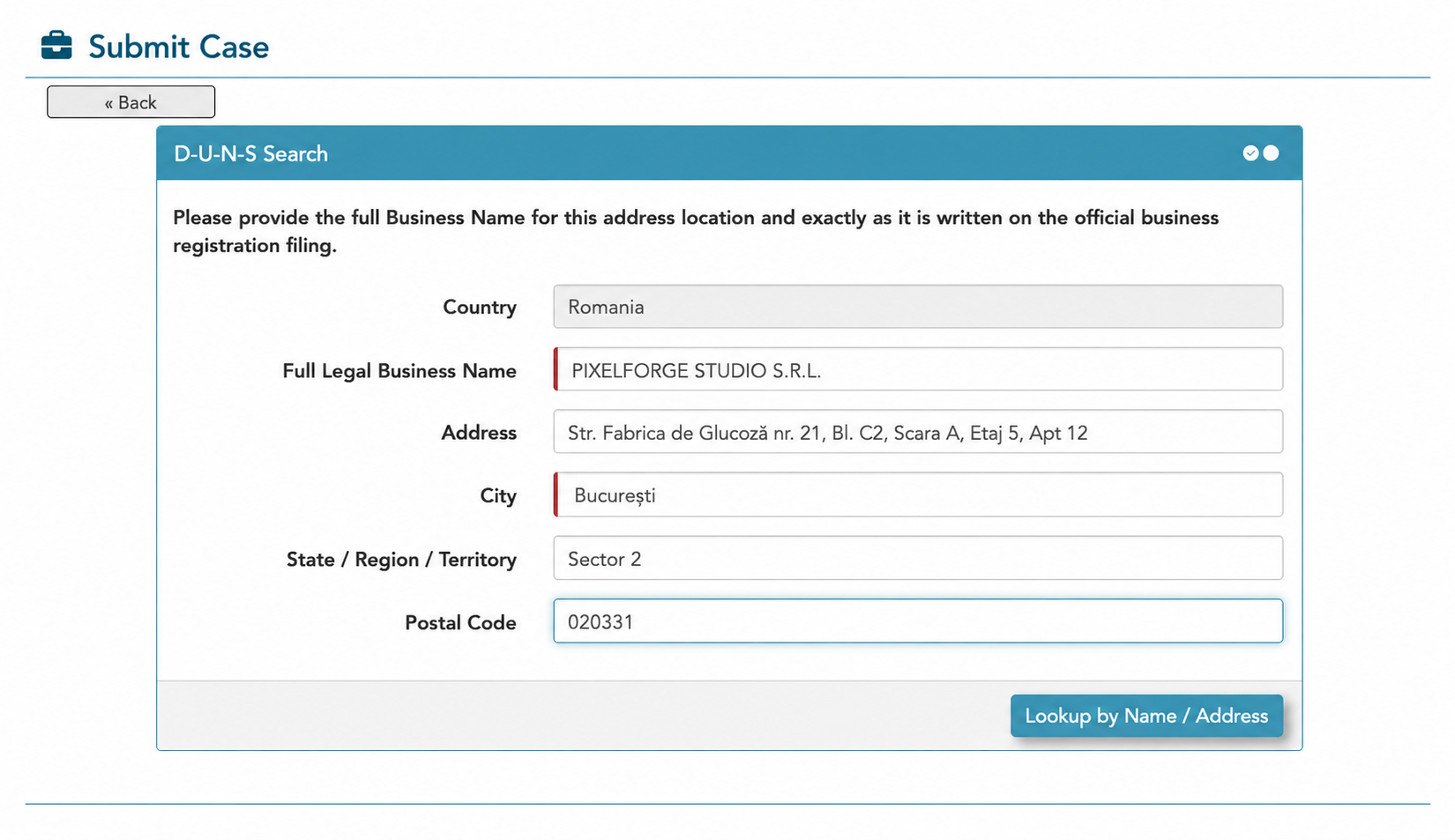
- Search for the company in the database.
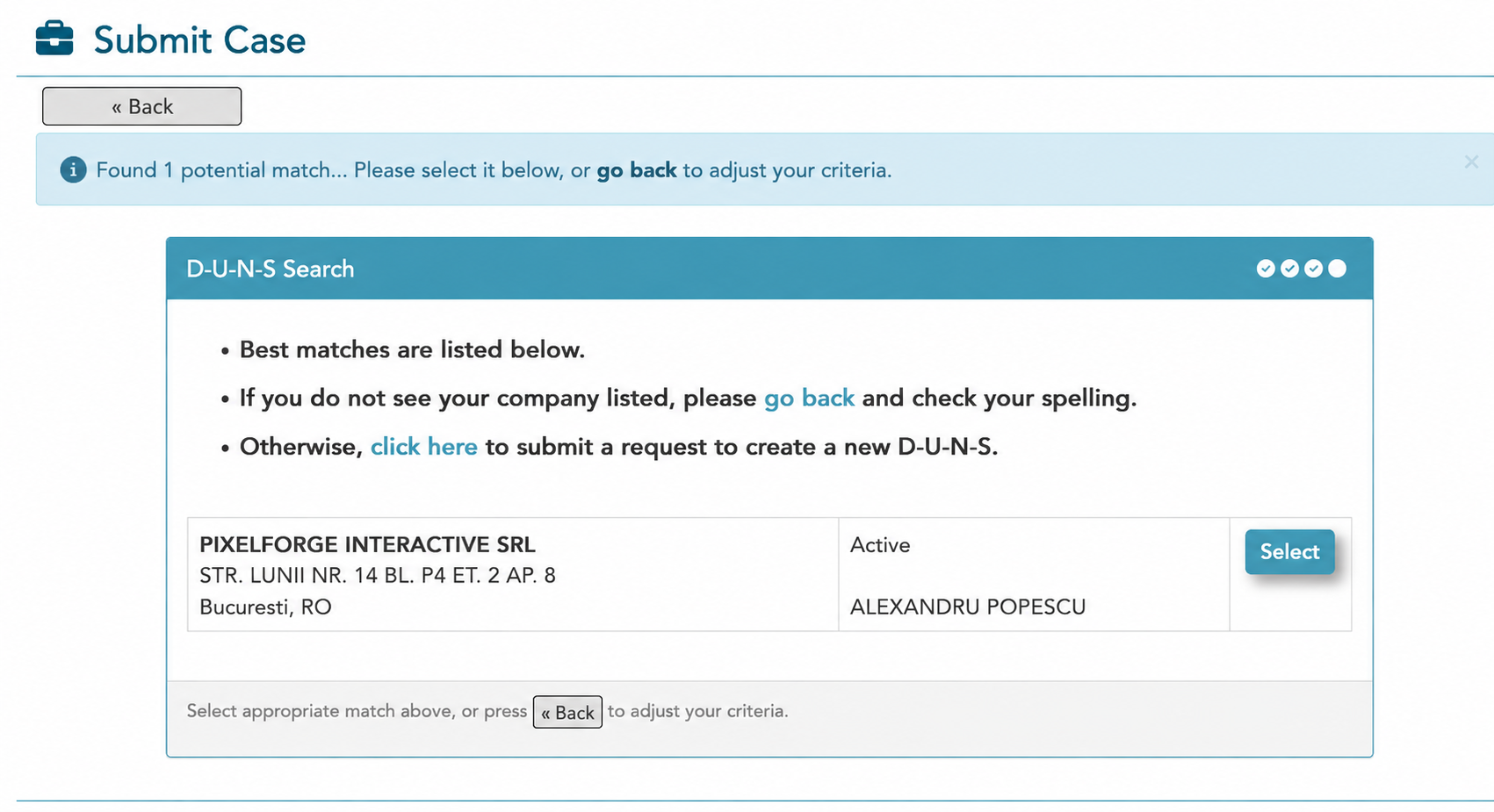
- If the company appears, select it.
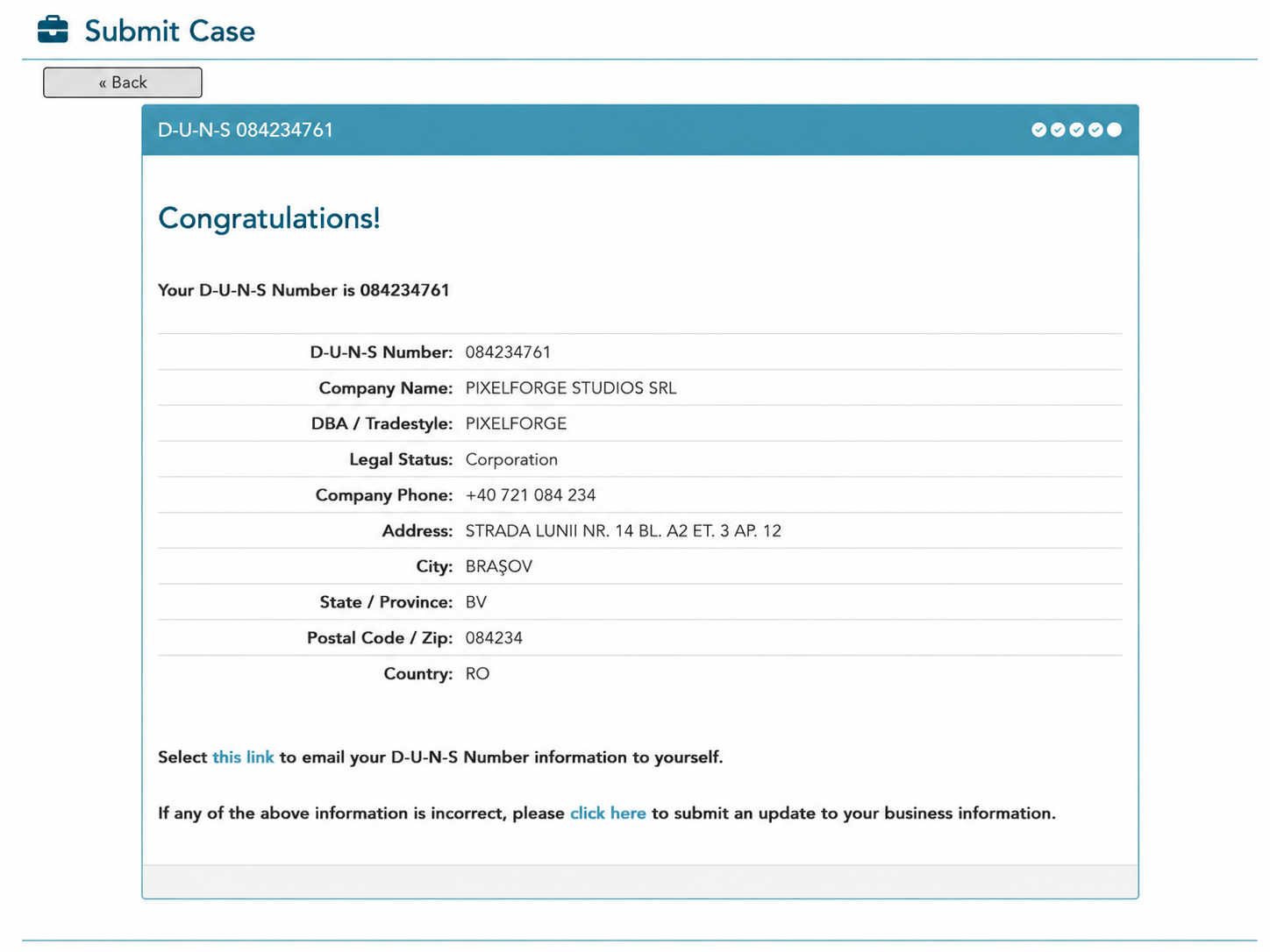
- The system shows you the D-U-N-S Number and you can request it by email.
What the steps look like
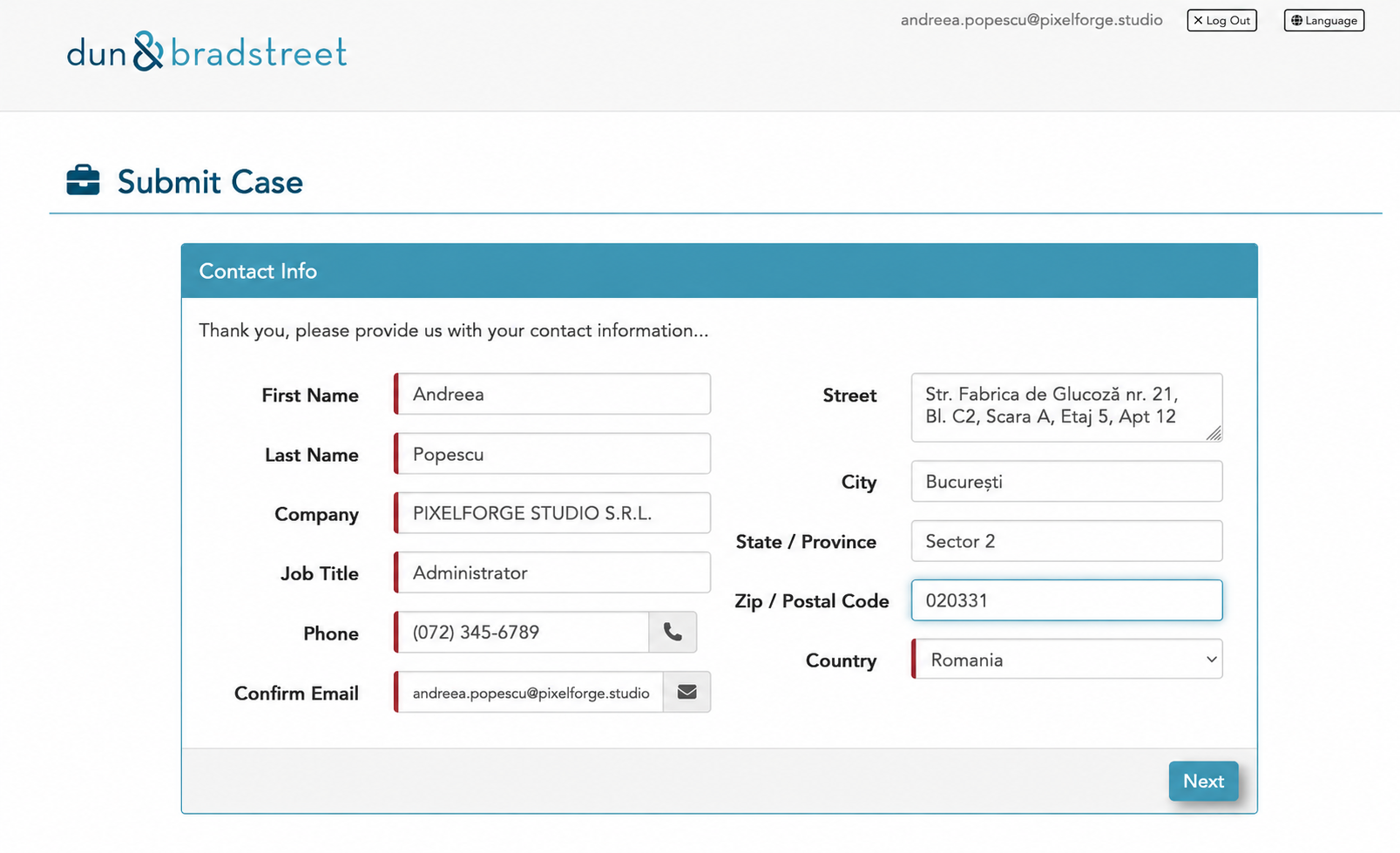
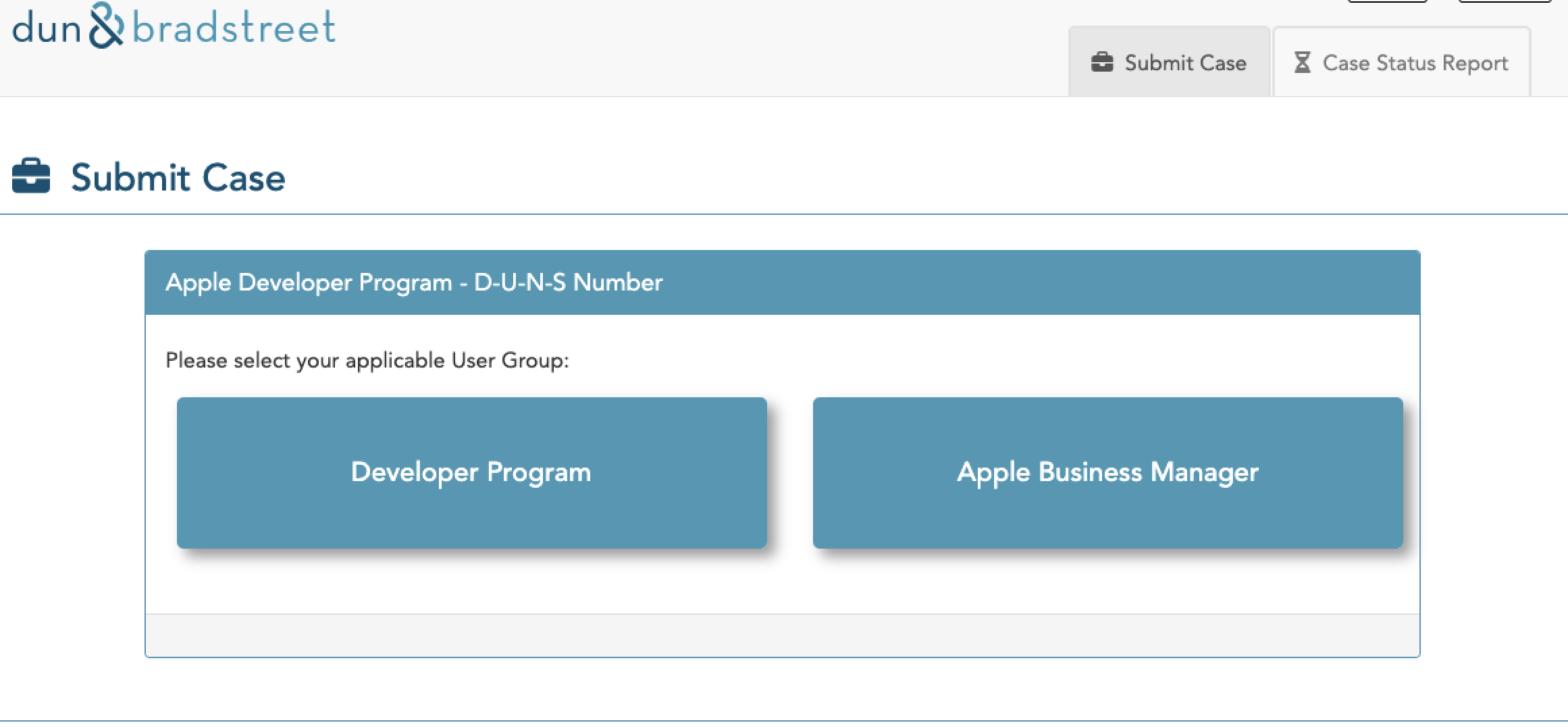
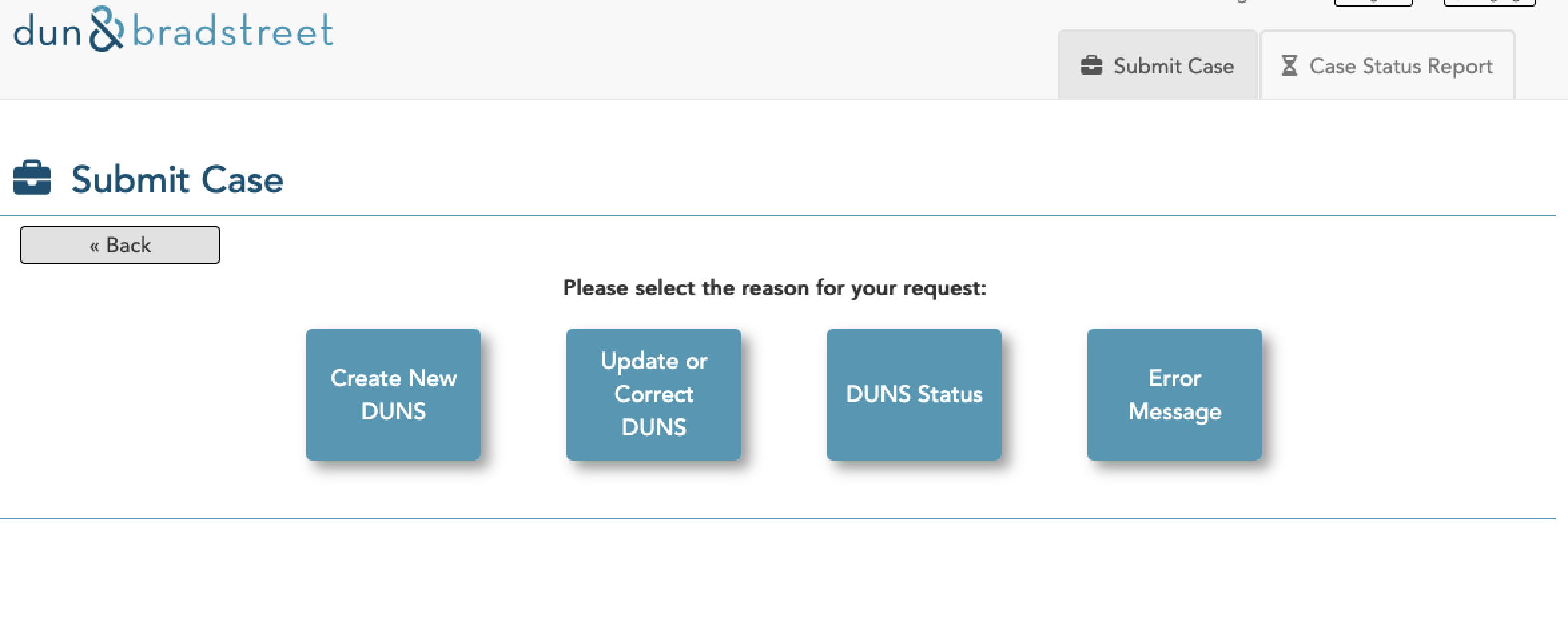
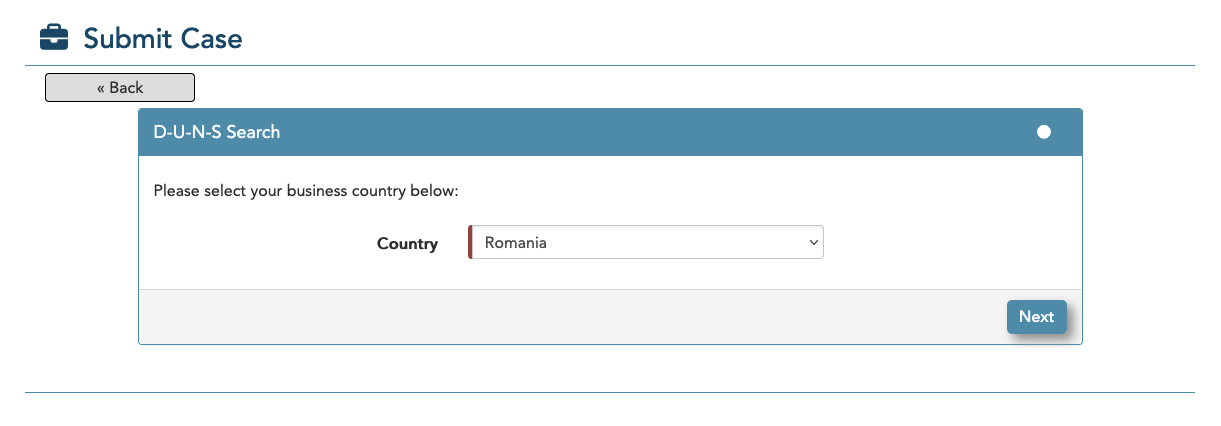
What to do if the company is not found
If the company does not appear in the search in this flow, you may need to contact D&B or the local representative for Romania. In that case, they will ask for two company documents, translated and legalised:
- CUI / registration certificate, translated and legalised
- Certificate of registered details (certificat constatator), translated and legalised
The translation must be done by an official (sworn) translator and legalised, so the company data can be verified correctly.
Before sending any request, check carefully that the company name and address are written exactly as in the official documents. A small spelling difference can cause problems later, when Apple or Google try to compare your account data with the D&B data.
If it still does not work this way, switch to the third-party option (may cost).