

Publishing on Vercel
Vercel is a platform that lets you quickly publish a website straight from Git. For a small studio or an early-stage company, it is a very good route for a landing site, especially if you do not need WordPress, complex databases or classic cPanel administration.
The process, in short
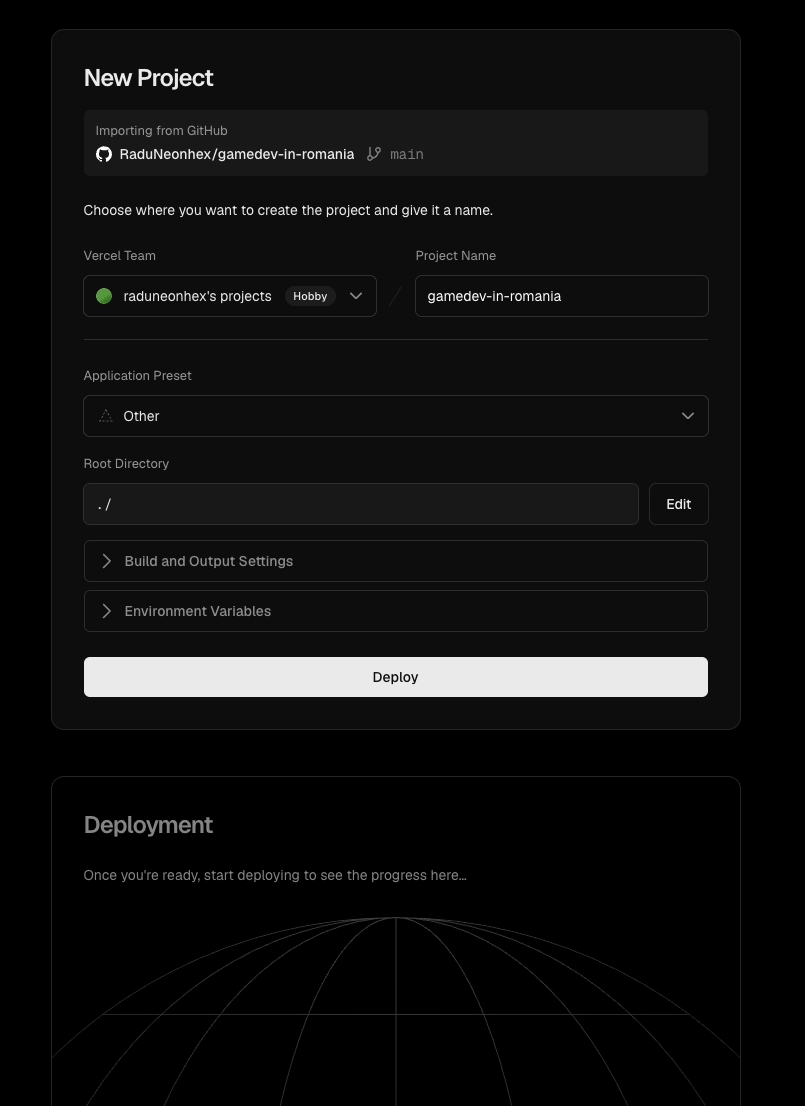
- you create or already have a repository with the site;
- you go to Vercel;
- you connect your GitHub / Git provider account;
- you authorize access to the repository;
- you pick the project;
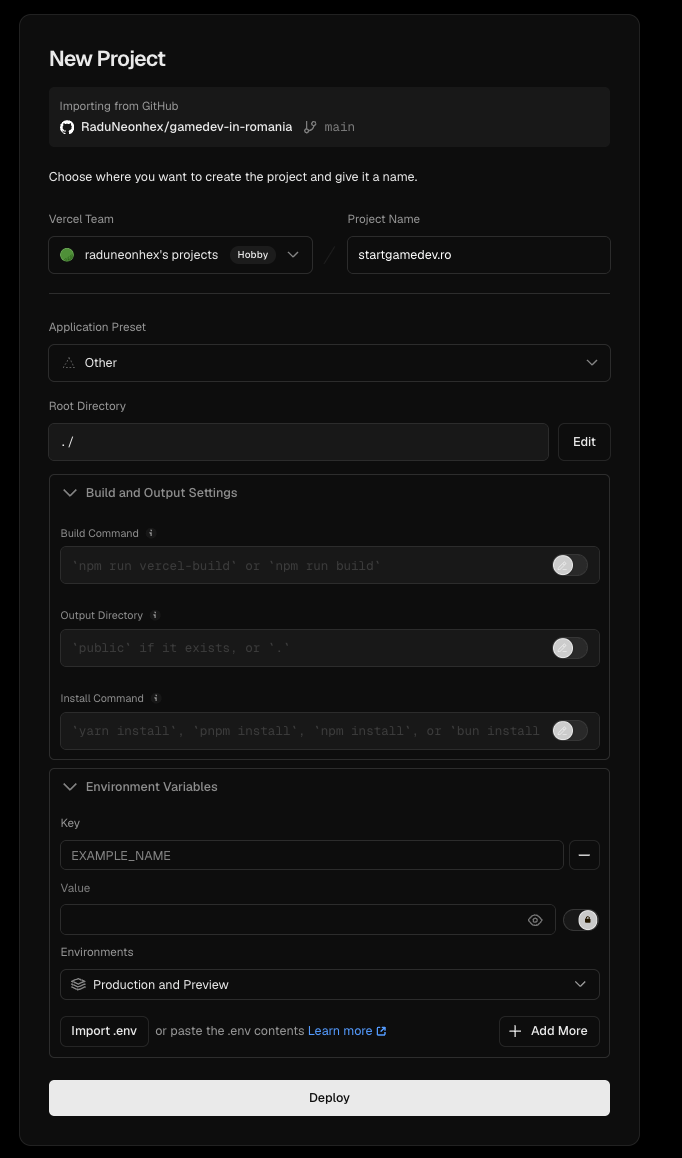
- you configure the build settings, if needed;
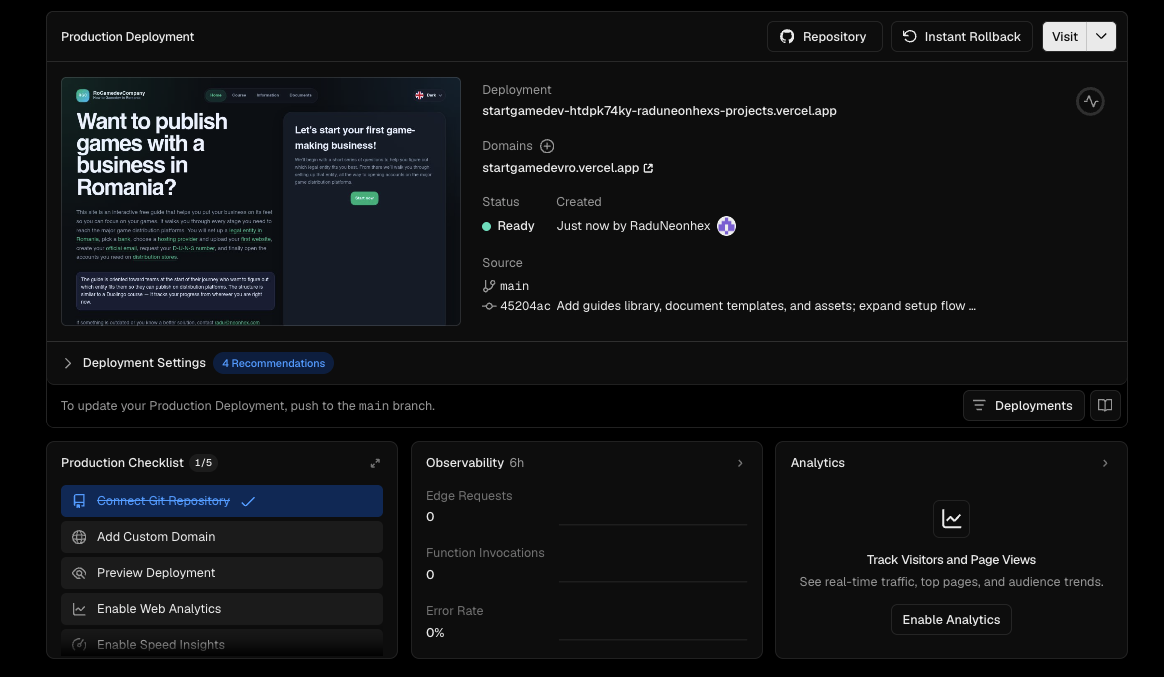
- you publish the site;
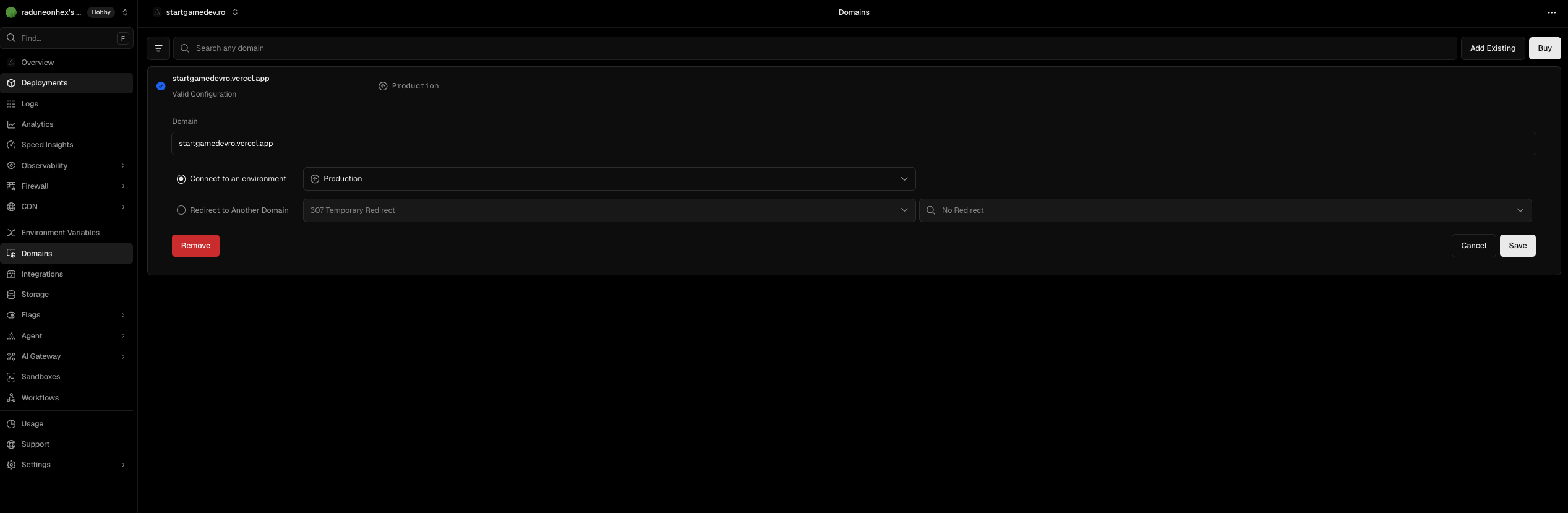
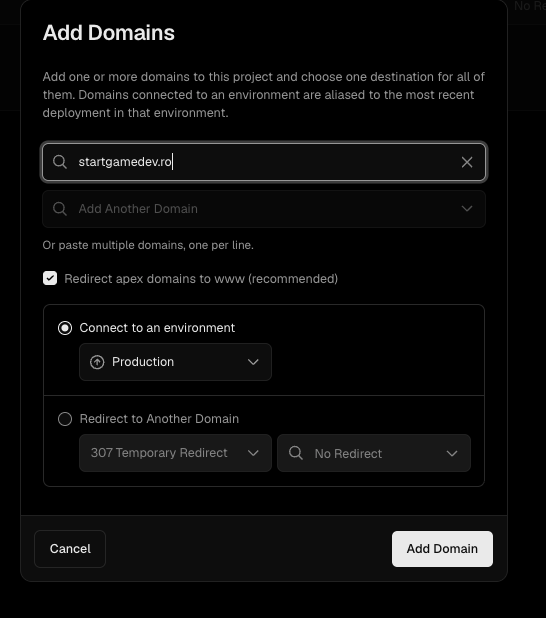
- you connect the domain;
- you confirm the site is live.
Vercel can look technical at first, but once it is set up the flow becomes very simple. Site changes can be made in code / Cursor / Git, and Vercel handles publishing automatically.
The steps, with images
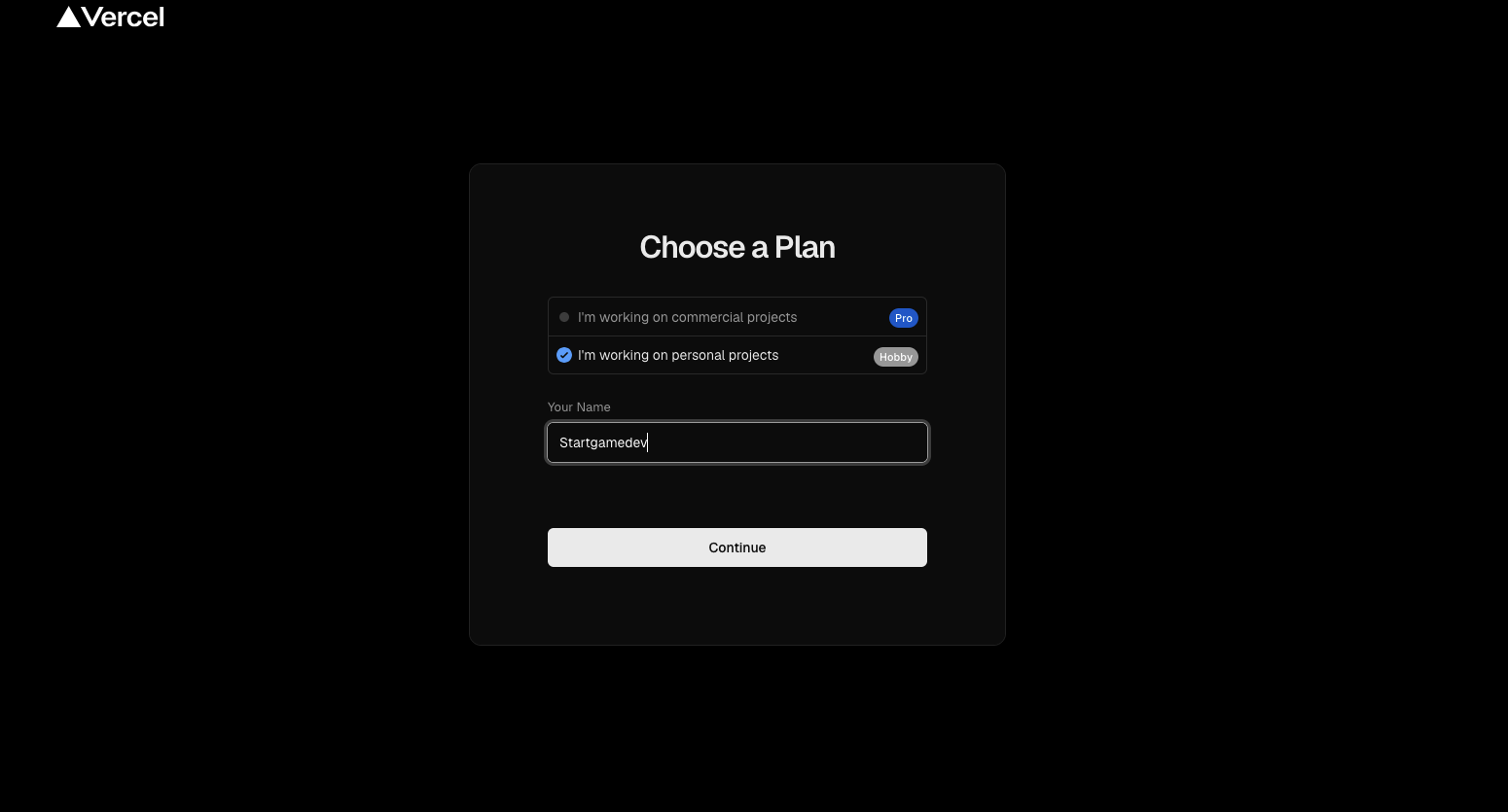
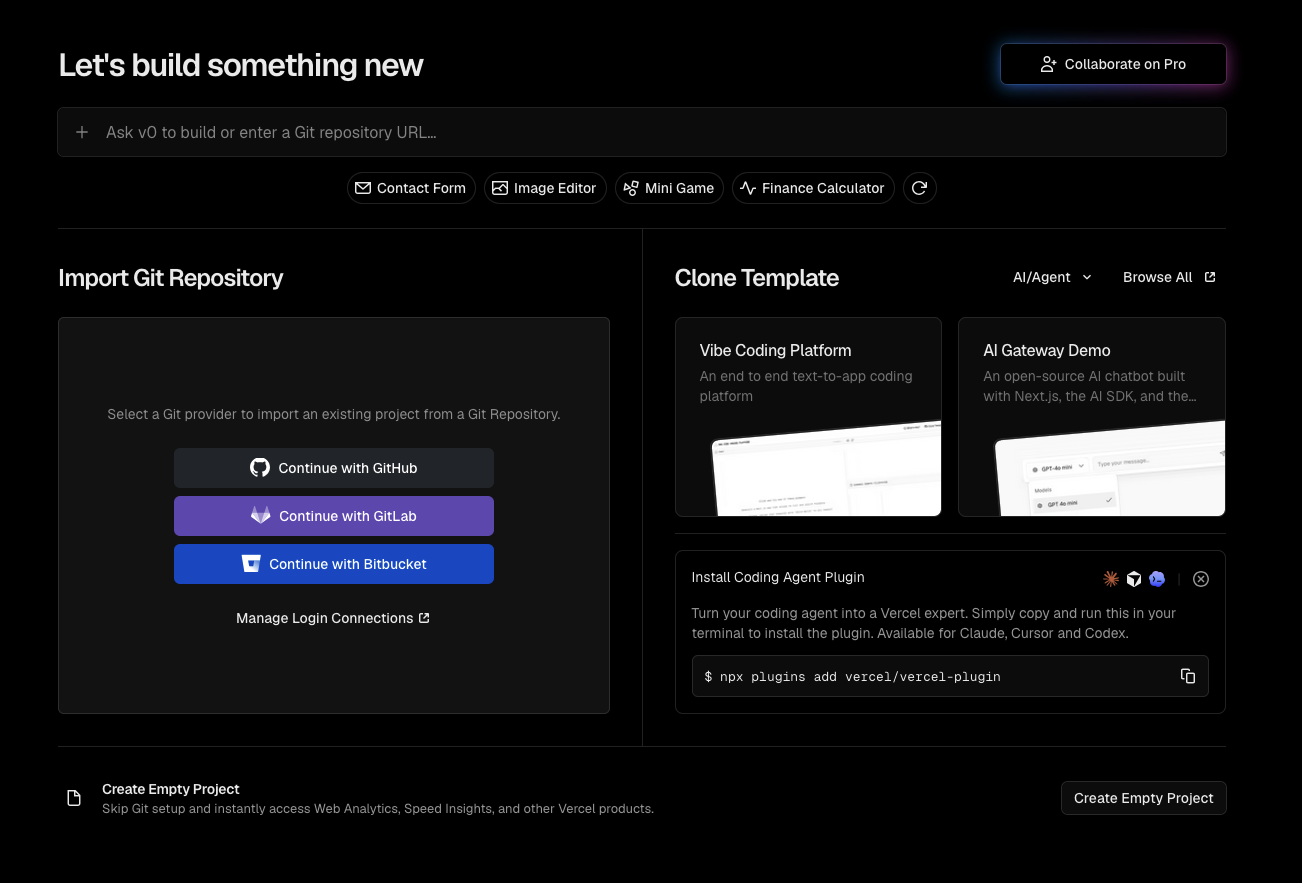

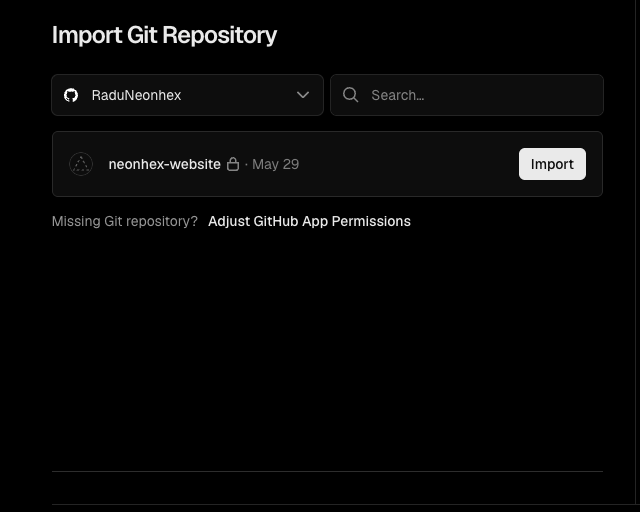
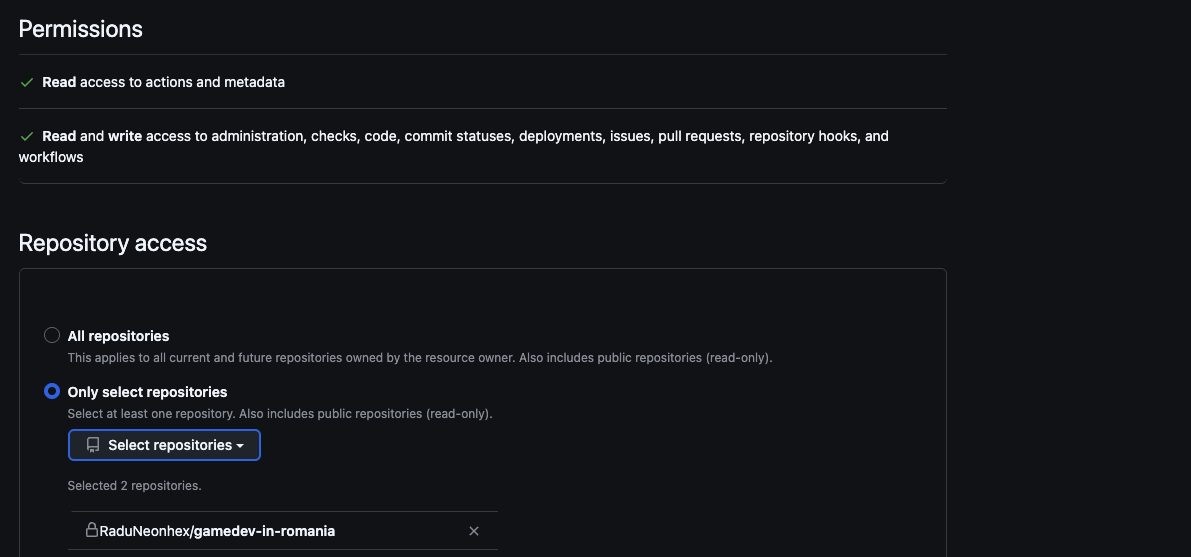
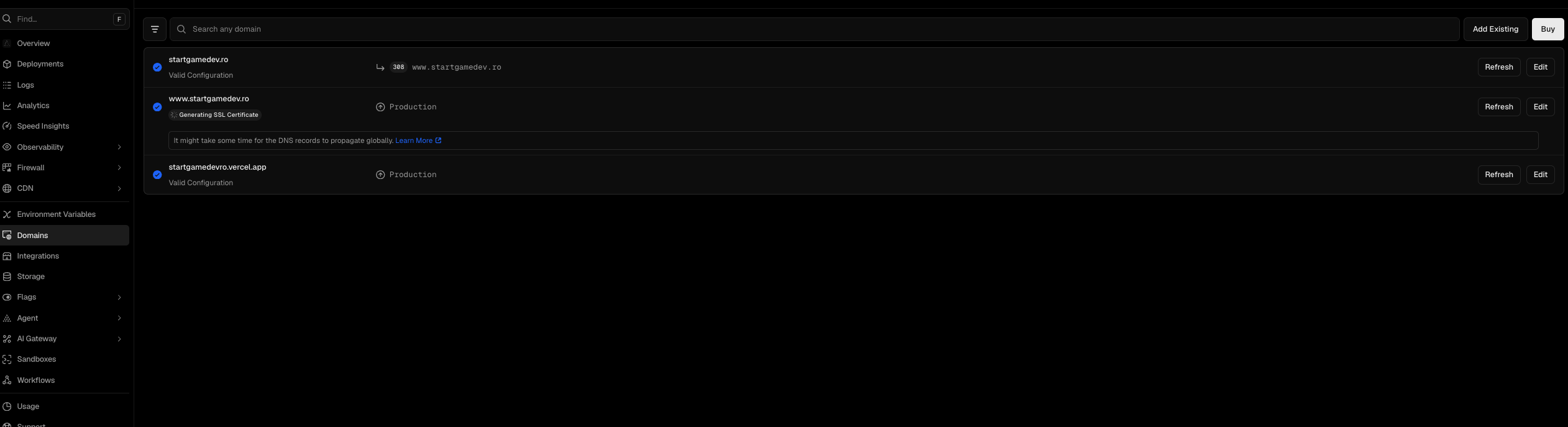
Domain + Vercel
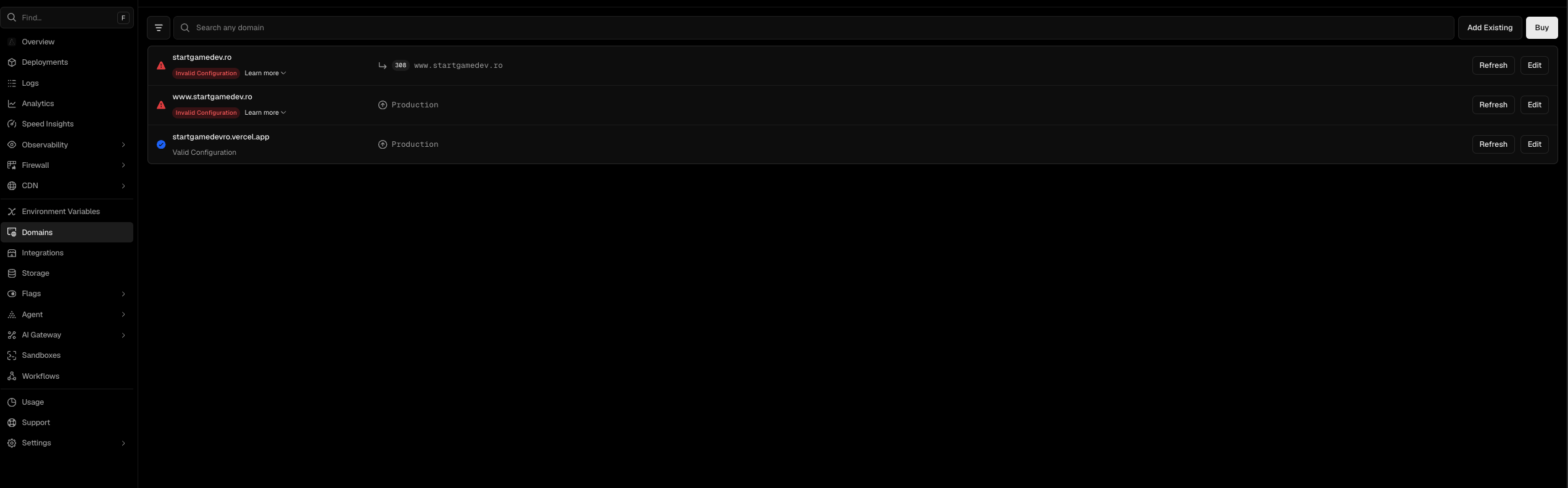
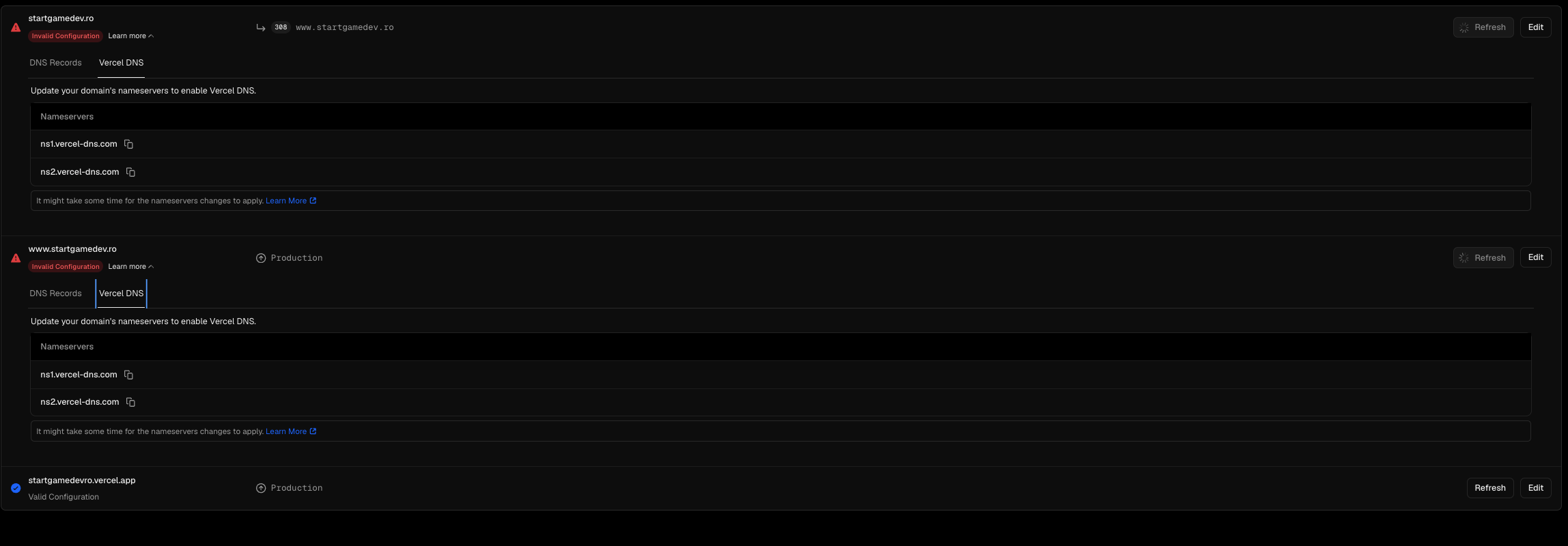
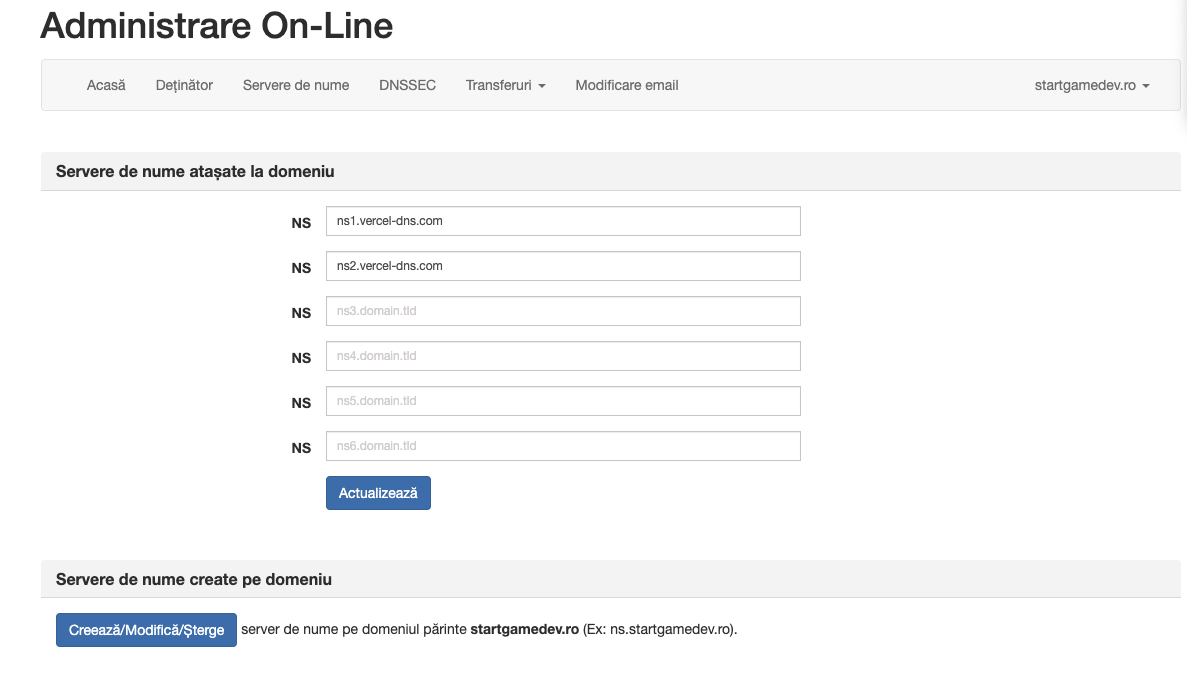
Once the site is published on Vercel, you get a temporary link from Vercel. For the site to be official, you need to connect your own domain. That means changing the domain's DNS settings and pointing it to Vercel (usually by moving nameservers or adding the required records).
This is where most confusion happens for someone without technical experience. The domain can be bought in one place, the hosting in another, the email in another, and the actual site can be on Vercel. All of these can work together, but they must be configured correctly through DNS. DNS propagation can take anywhere from a few minutes to a few hours.
Next step
Once the site is live on your domain, set up the business email and prepare the platform verifications and legal pages.